Feature: Preview & Interactive Guide
Since the "announcement" of a new version of Story Creator, I have been working on the features that Story Creator is missing. First, I'd like to show the main feature, the "Preview" feature allowing you to see your story in action.
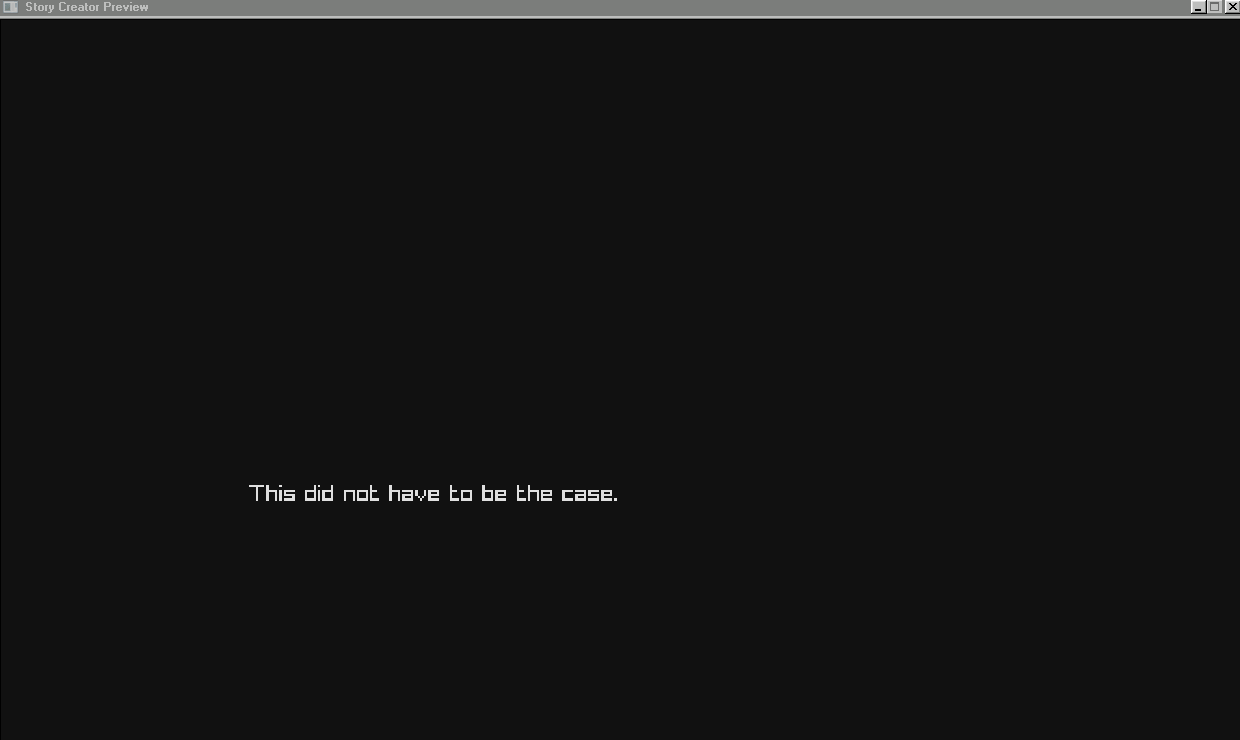
This Preview is currently showing a hard-coded test to ensure parsing, click activity and render animations all work correctly. For now, it does what is expected. (Note: itch doesn't seem to like my animated GIFs).
This Preview engine is actually written in the Odin programming language, a new favourite of mine, as I enjoy the simplicity and the runtime performance of applications written in this language. The possibility exists, later down the line, that I implement a Lua engine to allow extending the Preview and allowing the ability to build a full-on game with it, using Story Creator as the editor.
Moving onto the Editor then, I am considering building much of the editor from scratch. I will move common code from the original editor into this new one, but StoryDev was built using .NET Framework. This one uses .NET, which eliminates the extra runtime for Windows 10+ users, but does mean some libraries are changed. The FastColoredTextBox library used in the original only works on .NET Framework. Thankfully, a forker has built a .NET alternative so this can still be used. That said, I may choose to remove this dependency entirely and re-write the dialogue input system with the goal to make it more streamline.
On this note, I should explain my motives. While most of the original syntax will remain, the old file formats will not work with this new Story Creator. The reason being is because I will be developing what I'm going to be calling "Dynamic Interactions".
The idea is each "block" as you know them now (conversations in the context of Story Creator), will be made into timelines where each node can possibly be executed based on a condition. The complexity of this feature will require an overhaul of the original syntax, therefore old Story Creator files won't be easily transferrable to this new version.
I will make an Import feature to allow importing old files, truncating conversations into the new format and trimming what doesn't exist. You will be able to divide each file and conversation into their respective blocks and organise them appropriately. That said, if you're not going to take advantage of the Dynamic Interactions feature of this new editor, then there will be little point in migrating over old files and using the new editor. The larger your story, the more time consuming it will be to organise your story files into the new format with little to no benefit, unless you want the Preview feature, of course.
Finally, I will explain now what I have so far put into the new editor.
Story From Scratch Guide
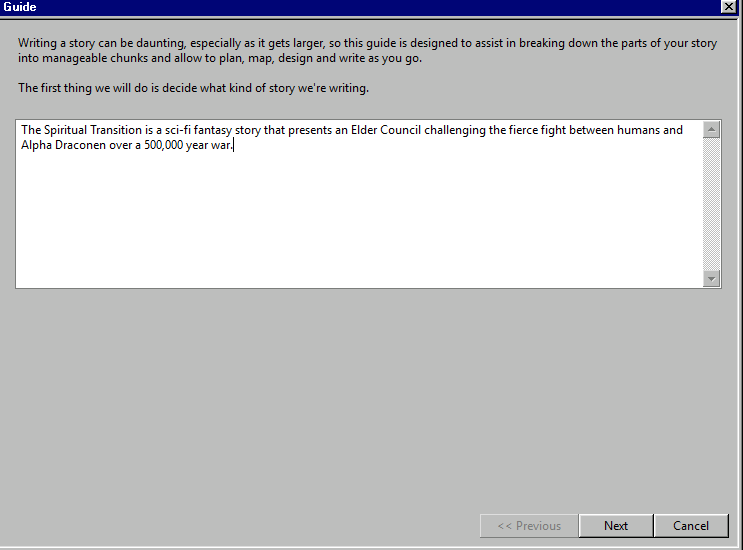
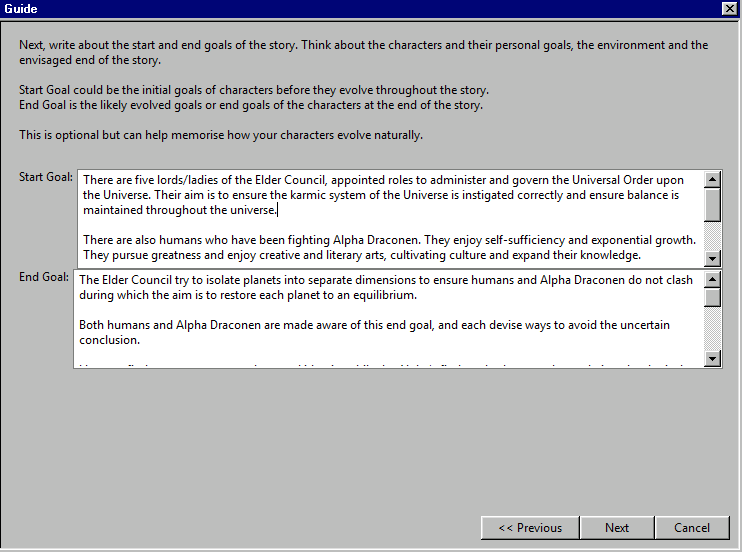
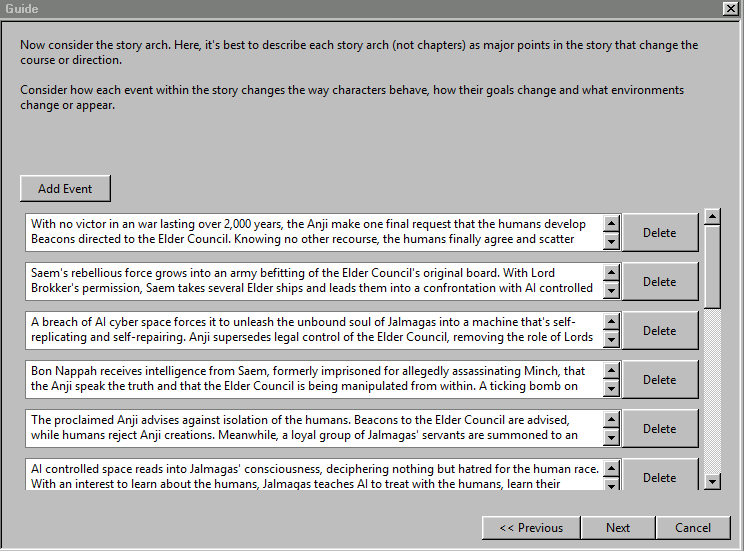
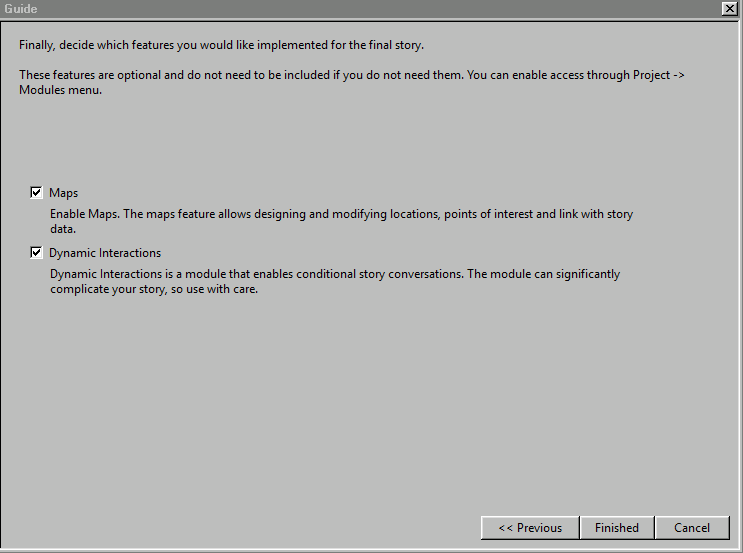
This ultimately presents the features I intend to implement in the full release of this editor once it's finished.
The editor will remain open source just as the previous editor, but note that the features I am implementing here will be a significant undertaking and won't come easily.
I will not discuss in detail, but know that there will also be a focus on "Planning" which is missing in the current editor. For large scale projects, planning is crucial for managing stories. If your perhaps working with teams, the Planning feature I intend will include options to not just plan the story, but also blueprint file structure, asset creation, scene management and possibly more. These will all be simple files, so easily uploaded via version control for simple and easy organisation for developers and designers.
I will also be considering using SkiaSharp, a library that is similar in API to GDI+ (what the current editor uses for the drag functionality) which will enable hardware acceleration. This will be useful for users who would prefer this over the CPU-bound GDI+ that exists, with the possibility of improving performance for large scale conversations. Use of SkiaSharp will inevitably increase memory usage, so the option will exist to cover both low and high end computers, with a safe default to CPU-bound.
P.S. If you're wondering why all my screenshots makes it look like I'm on Windows 98, it's because I use Windows Blinds on my machine. These screenshots may change as I work between my laptop and my gaming machine.
Comments
Log in with itch.io to leave a comment.
Exciting News!!!