InterfaceAPI
A downloadable tool
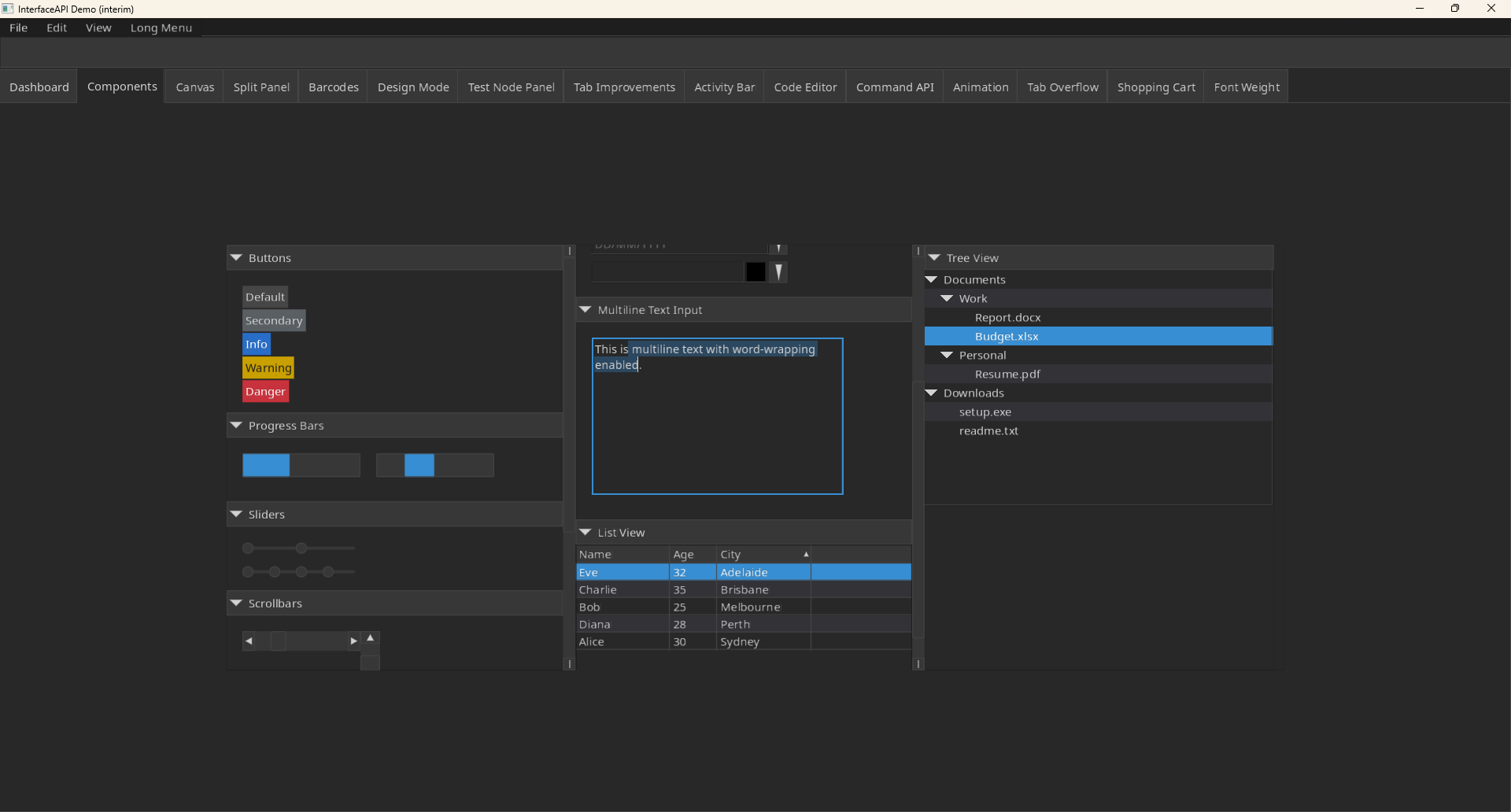
Desinda InterfaceAPI is a powerful, full-fledged UI library with a strong set of widgets, custom animations, transitions, theming, built-in IME support, RTL text rendering and bi-directional text, SVG icon support, common barcodes (Code128, EAN-13 and QR codes), PDF writer, and more.
The purpose of InterfaceAPI is to provide a UI library for data heavy applications in a data-oriented programming language. It is primarily offered in Odin.
Features
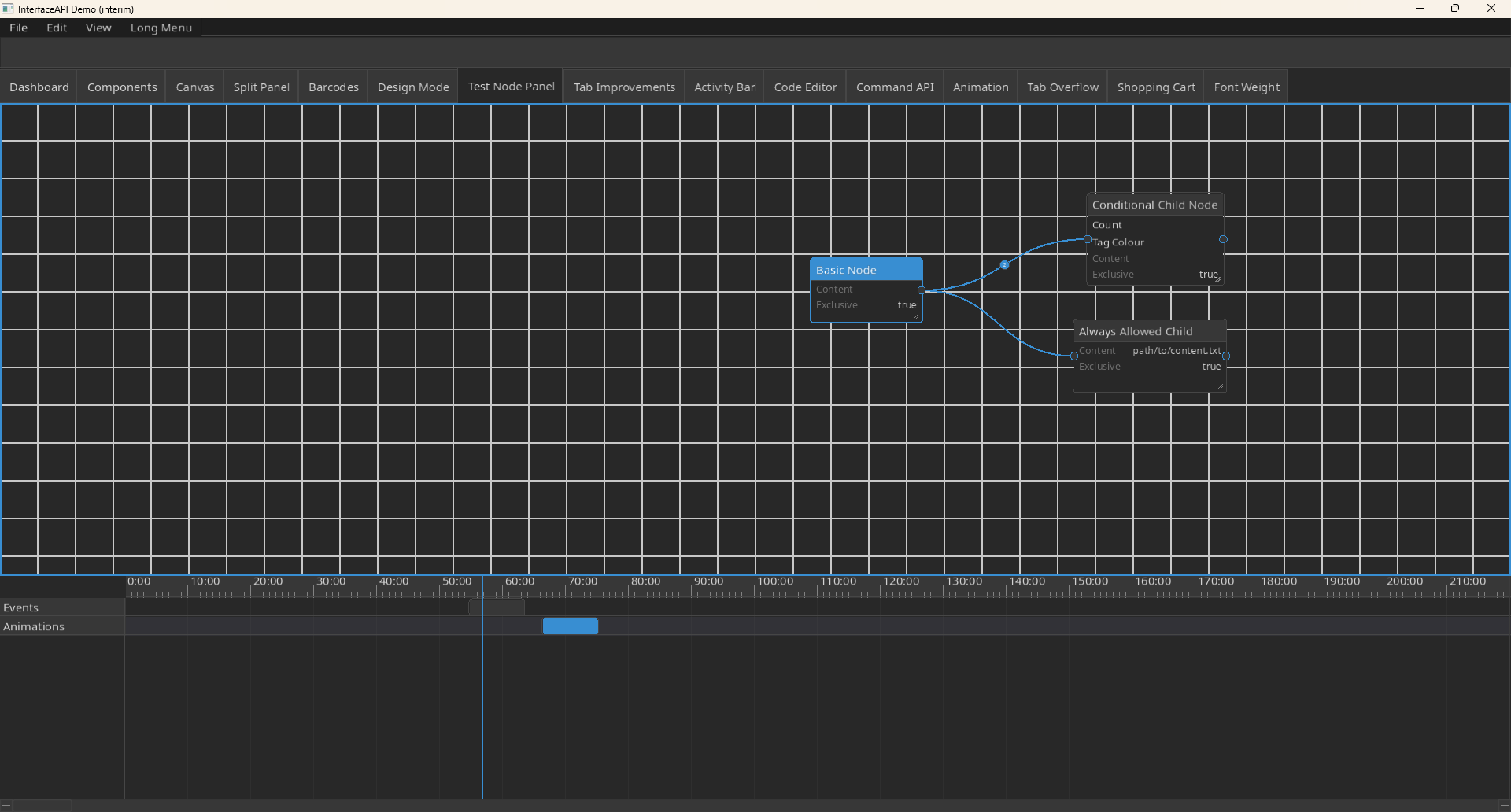
- A large widget set containing more than 40 different widgets, including basic controls (buttons, combo boxes, sliders, menus), containers (panels, split panels, accordions, grid panels, flow panels, tab controls, etc.), data views (list view, tree view), complex widgets (node panel, timeline), text input (TextField, CodeField, FreeFormTextField), and dozens more.
- Video support with permissive licences for video and audio decoding (dav1d, OpenH264, libvorbis, etc.)
- AAC-LC decoder built-in
- Barcodes - Code128, EAN-13, QR
- Text rendering with Harfbuzz and loading with FreeType
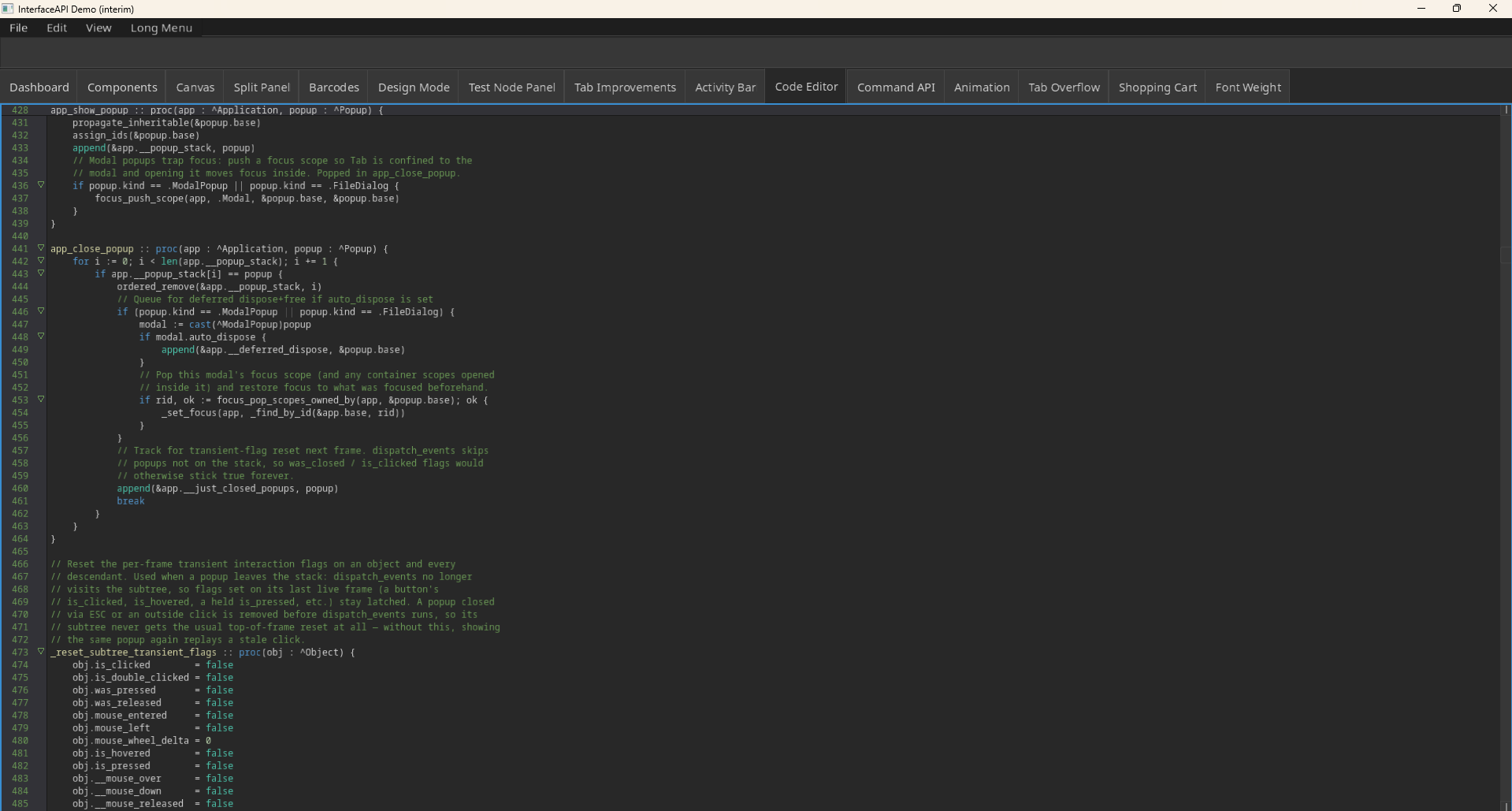
- Syntax highlighting in CodeField with hard-coded example languages: GLSL, Haxe, Json, Lua, Markdown, Odin & XML
- Built-in IME support for Arabic, Chinese, Hebrew, Hindi, Japanese, Korean, Russian and Thai
- Standard and common set of SVG Icons
- Full PDF Writer support
- SVG Parser and Renderer
- Basic Email support
- Theming system
- Animations and animation sequences
- Styling transition and effects
- A full drawing primitive system with SDF rendering
- Custom Object design with a command-based drawing system
- Event handling via flag checks (is_clicked, was_pressed, etc.)
- HotKey system and application registry
- Form Generation for data synchronization and validation (JSON support built-in)
- And more...
Release Date
The InterfaceAPI library is not currently released yet, but it is usable now. You can find InterfaceAPI on Codeberg.
Expected to be released in June with a C FFI library.
You can learn all about InterfaceAPI and how to use it here. Note that most of the Tutorial is quite barebones. For a full demo, consider observing the test directory.
Report Issues
Please do not use the comment section here to report on issues. Please use the Codeberg link above and use the Issues section for a more prompt response. You may provide a review or comment on this library if you would prefer for the benefit of others.
Simple Code Example
package main
import "base:runtime"
import "core:os"
import "core:strings"
import interface "shared:InterfaceAPI"
main :: proc() {
    options := interface.create_default_launch_options("Test App", 1600, 900)
    app := interface.create_app(options)
    interface.app_init_window(app)
    defer interface.app_close_window(app)
    app->set_font_family("Noto Sans", { "NotoSansRegular.ttf" }, 24, 400)
    app->set_font_family("Noto Mono", { "NotoSansMono.ttf" }, 24, 400)
    app.font = "Noto Sans"
    app.mono_font = "Noto Mono"
    app.font_size = 24
    app.font_weight = 400
    dark_theme := interface.create_default_dark_theme()
    interface.register_theme("Dark Theme", .Dark, &dark_theme)
    light_theme := interface.create_default_theme()
    interface.register_theme("Light Theme", .Light, &light_theme)
    interface.app_init_framework(app)
    defer interface.app_dispose_framework(app)
    root := interface.create_panel(&app.base)
    root.dock = .Fill
    menu_bar := interface.create_menu_bar(root)
    menu_bar.dock = .Top

    tools_menu := interface.create_menu("Tools", menu_bar)
    light_theme_option := interface.create_option("Light Theme", nil, tools_menu)
    dark_theme_option := interface.create_option("Dark Theme", nil, tools_menu)
    for app.__running {
        interface.app_update(app)
        if light_theme_option.is_clicked {
            app->set_theme(light_theme)
        }
        if dark_theme_option.is_clicked {
            app->set_theme(dark_theme)
        }
        interface.app_render(app)
    }
}
Disclaimer
InterfaceAPI was built with Claude Opus 4.6 and 4.7. Artificial Intelligence is a tool useful for the generation of mechanical code, but the creative process is always done by myself and API design carefully organised for human use. This includes the layout engine, the FreeType & Harfbuzz integration, video rendering and video/audio custom containers, and others.
Download
Development log
- Lessons from InterfaceAPI98 days ago
- Introducing InterfaceAPI in Video + Creating the New "Story Creator"Jun 10, 2026
- Version 1.0, Demo Release and Framework CodeJun 07, 2026
- Demo & Interactive Tutorial ApplicationJun 04, 2026